How do I change the position of the Chapters?
Print
Modified on: Fri, 17 Feb, 2012 at 3:34 PM
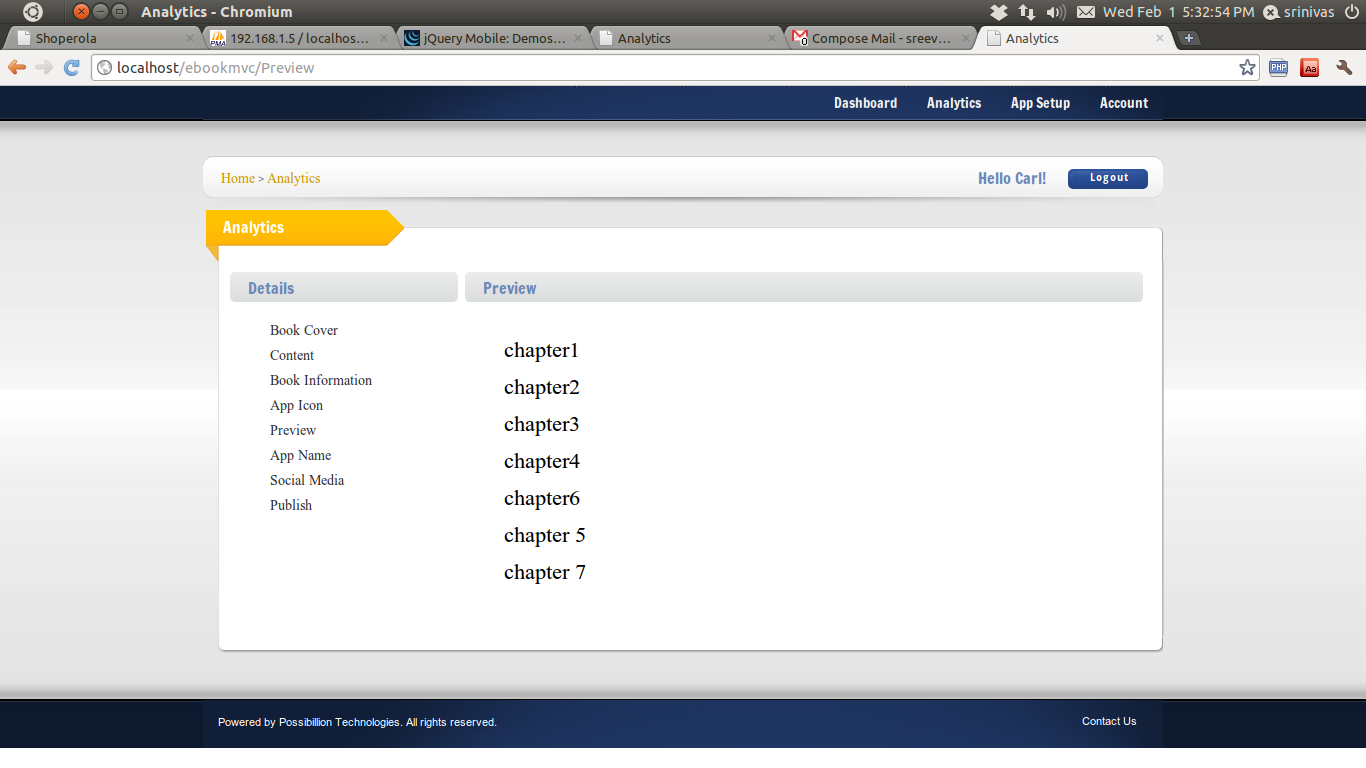
Go to the Preview tab on the left of the screen and you can change the position of the chapters by clicking and dragging the chapters.
Did you find it helpful?
Yes
No
Send feedback Sorry we couldn't be helpful. Help us improve this article with your feedback.